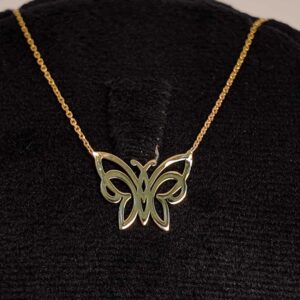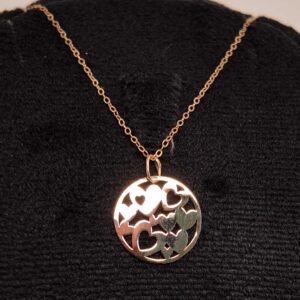
Slide Background01. Slide BackgroundEvery slide includes a background, which can be a picture or solid color.Step 1To change the background click on the label bar and in the layer window select the style tab. Step 2Choose a source from the background top tab then upload an image or pick a background color. Next SlideBuild & Design02. Build & DesignBuild any layout with layers and customize your designs limitlessly.Step 1To add a layer, click the green plus button in the left sidebar and select the type of layer. Step 2Select any layer and you can edit its content and style properties in the layer window. Next Slide گردنبد پروانه بزرگ 39 734 000 تومان افزودن به سبد خرید مشاهده سبد خرید گردنبند hearts 20 615 000 تومان افزودن به سبد خرید مشاهده سبد خرید گردنبند ستاره 36 932 000 تومان افزودن به سبد خرید مشاهده سبد خرید گردنبند سول 14 390 000 تومان افزودن به سبد خرید مشاهده سبد خرید گرنبند پروانه ریز 41 256 000 تومان افزودن به سبد خرید مشاهده سبد خرید رازهای مگوی شرف شمس